
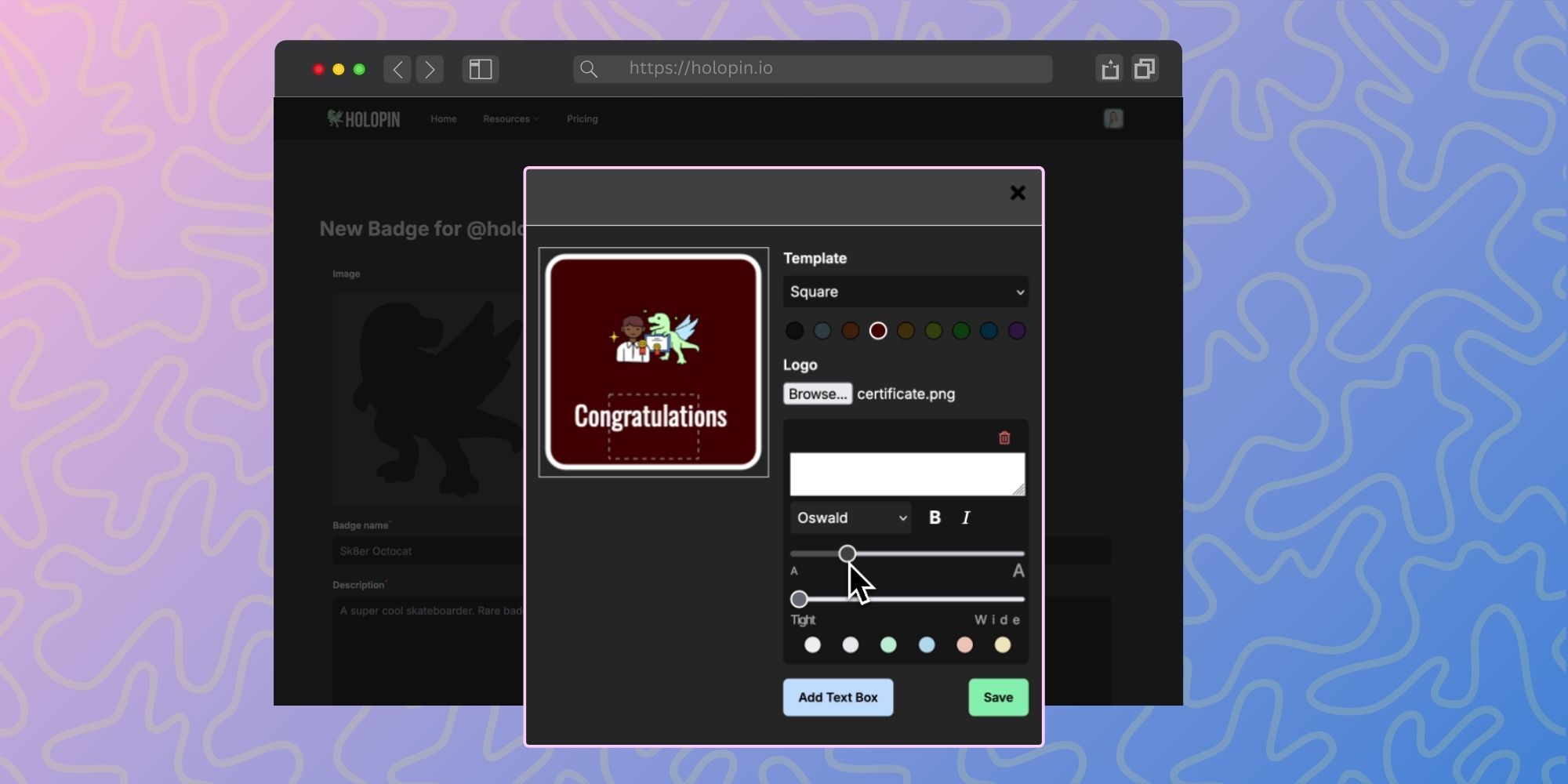
If you've seen colorful hexagons on someone's GitHub profile, a badge board linked in a README, or a "Supercontributor" achievement shared on social media after Hacktoberfest — you've seen digital badges in action.
But what exactly are they, how do they work, and why are developer communities adopting them? Here's a straightforward guide.
What Is a Digital Badge?
A digital badge is a visual credential that represents a specific achievement, skill, or contribution. It combines an image (the badge itself) with embedded metadata that records:
- Who earned it — the recipient
- What it represents — the achievement or contribution
- Who issued it — the organization, project, or community
- When it was issued — the date
- The criteria — what the recipient did to earn it
- Evidence (optional) — a link to the work, such as a merged PR
This metadata is what separates a digital badge from a regular image or icon. It ties the badge to a person, an issuer, and a reason, so it isn't just a picture you can copy and paste. Exactly how a badge gets verified depends on the platform that issued it.
How Are Digital Badges Different from GitHub Achievements?
GitHub has its own built-in achievements (like Pull Shark or Starstruck), but these are limited to activities within GitHub itself and can't be customized by projects or communities.
Digital badges from platforms like Holopin are different in a few key ways:
- Custom criteria. Projects and communities define what earns a badge — it can be anything from "first PR merged" to "mentored 5 newcomers" to "spoke at our community meetup."
- Portable display. They can be shown on GitHub READMEs, personal websites, LinkedIn, social media, and anywhere else you can embed an image or link.
- Community-specific. Each project or event can have its own badge program with its own visual identity, rather than relying on a platform's generic achievements.
- Broader recognition. Digital badges can recognize non-code contributions like documentation, design, translation, and community management — things GitHub's built-in system doesn't track.
The Open Badges Standard
Many digital badge platforms support the Open Badges standard, originally developed by the Mozilla Foundation and now maintained by 1EdTech. The standard defines how badges are created, issued, and verified so they can work across platforms.
In practical terms, for badges issued under the standard:
- Verification doesn't depend on using the same platform as the issuer
- Metadata follows a consistent format, making it possible to collect badges from multiple sources
- Issuers don't have to design their own verification format
Open-source communities including Apache and Ansible issue badges under the standard. If portability between platforms matters to your community, check whether the platform you choose supports it.
How Digital Badges Are Used in Developer Communities
Digital badges show up in several contexts across the developer ecosystem:
Open Source Contributor Recognition
Projects use badges to recognize contributions — merged PRs, code reviews, documentation improvements, community support. This makes contributions visible beyond the repository and gives contributors something to show for their work. For more on what's driving this, see how developer recognition is evolving.
Event Participation
Events like Hacktoberfest, hackathons, and conference sprints issue badges to track participation and milestones. These create engagement during the event and serve as a shareable memento afterward. Our guide to digital badges for developer events covers this in more detail.
Skill Verification
Some badge programs tie into specific learning paths or certifications, providing verifiable proof that someone has completed a training module, passed an assessment, or demonstrated a particular skill.
Community Roles
Badges can recognize ongoing roles — maintainer, mentor, moderator, community champion. These help contributors build a public identity around their community involvement.
Project Quality Signals
Programs like the OpenSSF Best Practices Badge certify projects (not individuals) against security and quality criteria, serving as a trust signal in project READMEs.
How to Earn Digital Badges
For developers, the most common ways to earn digital badges are:
- Contribute to a project with a badge program. Some open-source projects award Holopin badges directly from GitHub issues and pull requests. Check whether the projects you contribute to have a badge program.
- Participate in events. Hacktoberfest, community hackathons, and contributor sprints frequently issue badges for participation and milestones.
- Complete learning paths. Cloud providers, foundations, and developer programs often issue badges for completing courses or certifications.
- Take on community roles. Some communities issue badges for mentoring, moderating, or organizing.
How to Display Digital Badges
Once you've earned digital badges, you can display them in several places:
- GitHub profile README — Embed your Holopin badge board or individual badges directly in your profile. See our GitHub README tutorial for a step-by-step guide.
- Personal website or portfolio — Most badge platforms provide embed codes or images you can add to any web page.
- LinkedIn — Some badge platforms integrate directly with LinkedIn, or you can add badges to your profile's certifications section.
- Social media — Share individual badge achievements on Twitter, Mastodon, or wherever your developer community hangs out.
The more places you display your badges, the more value they provide — both as a personal portfolio and as visibility for the communities and projects you contribute to.
How to Start a Badge Program for Your Project
If you're a maintainer or community manager looking to add digital badges to your project, here's the quick version:
- Choose a badge platform. Holopin is built for developer communities and integrates with GitHub. Other options include Credly (more enterprise and education focused) and Canvas Credentials (formerly Badgr).
- Define 2-3 starter badges. A first-contribution badge, a milestone badge, and a community role badge are good defaults. You can add more later.
- Decide how badges get issued. With Holopin's GitHub integration, you can issue a badge by adding a label to an issue or mentioning
@holopin-botin an issue or PR thread, so it fits into your existing workflow. - Announce the program. Let your community know badges are available, show what they look like, and explain how to earn them.
- Iterate. See what resonates, add new badges for events or milestones, and keep the program fresh.
For a more detailed guide, see our post on building a contributor recognition program.
Key Takeaways
- Digital badges are credentials that combine a visual image with metadata about who earned it, why, and when
- Many follow the Open Badges standard, which makes them portable across platforms
- In developer communities, they're used for contributor recognition, event participation, skill verification, and community roles
- They can be displayed on GitHub profiles, personal websites, LinkedIn, and social media
- Platforms like Holopin make it straightforward to set up a badge program for your project or event
Digital badges are a simple concept with a real impact on how developer communities recognize and retain contributors. If you haven't explored them yet — whether as a badge earner or a badge issuer — now's a good time to start.
